Understanding TV Specifications
Read reference information without treating it as a final technical sheet.
A website specification is most useful when it helps the buyer ask better questions. It should not replace the confirmed technical sheet for the selected product. Read every category as a reference until the quotation and product documents identify the final combination.
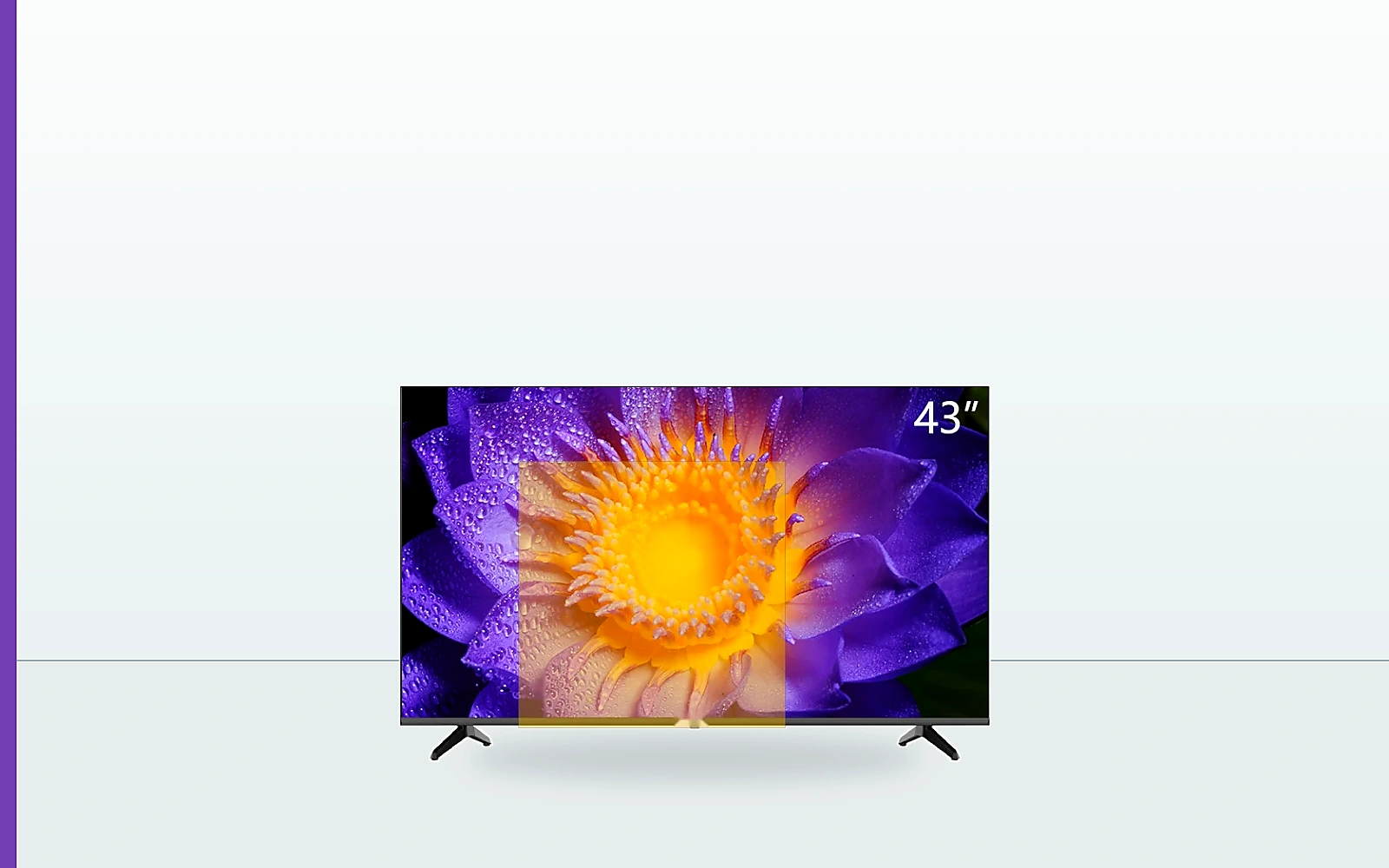
Read the specification in layers
Start with visible product information: screen size, product category and cabinet presentation. Then review technical categories such as resolution, system, inputs and connectivity. Finally, consider market requirements such as power, plug, broadcast standard and language.
Breaking the specification into layers makes it easier to identify which points are already known and which still need written confirmation.
- Product layer: size, category and appearance.
- Technical layer: resolution, system and interfaces.
- Market layer: power, broadcast, language and other destination requirements.
Reference terms are not a guarantee
Labels such as HD, FHD, 4K or Smart TV communicate a general category. They do not by themselves define the complete product. The exact panel, platform, memory, ports and included items may vary.
Where the website shows a range such as HD/FHD, use it to identify the type of product to discuss. Ask sales to confirm the selected product rather than assuming every combination is available.
- Treat category labels as a starting point.
- Request the current product document.
- Record critical requirements in the written inquiry.
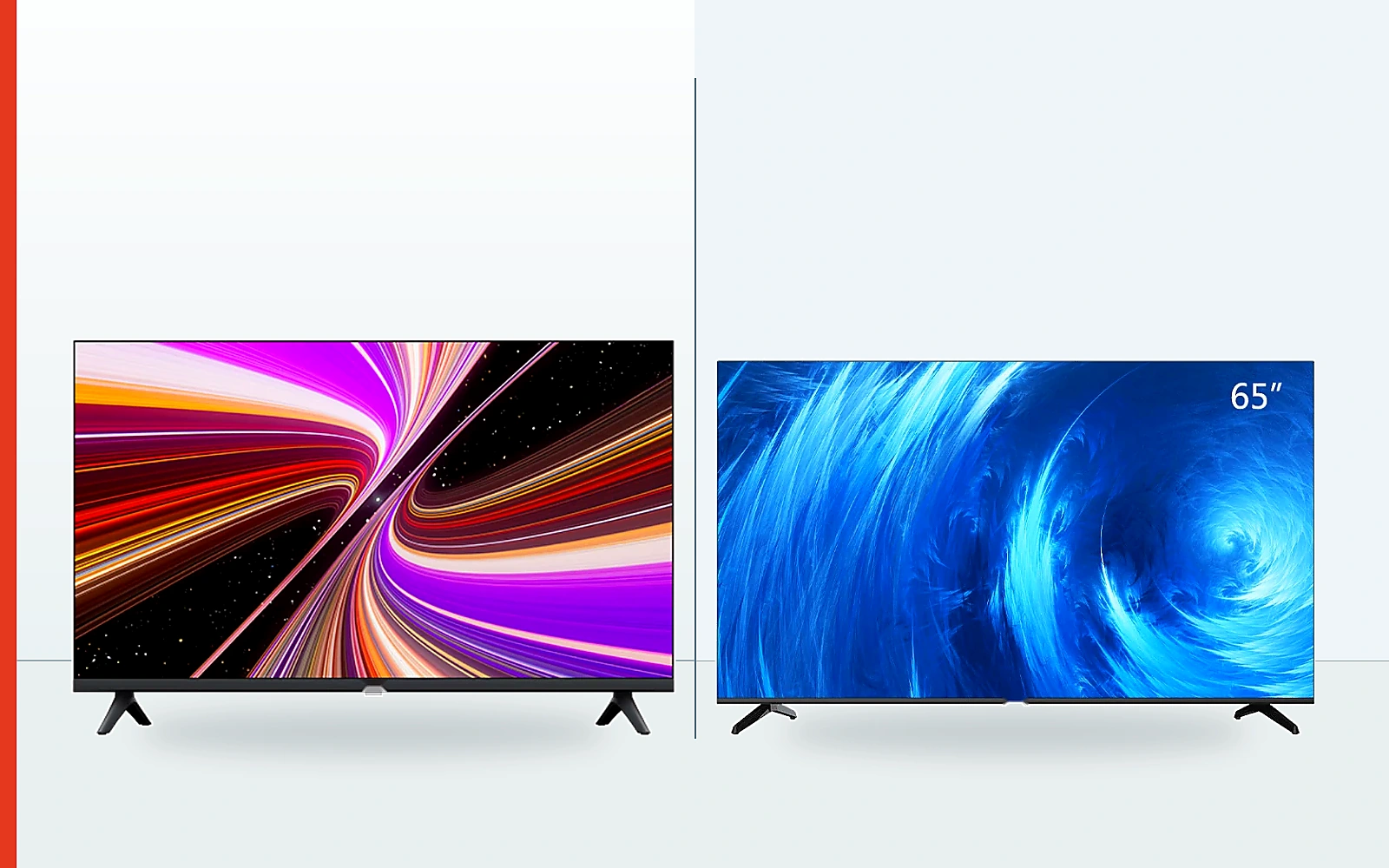
Use the confirmed documents as the reference
Before a commercial decision, compare the quotation, product specification and order documents. If an approved sample is part of the process, its role should also be clear.
When a website image or general description differs from the confirmed order document, the agreed commercial document should identify the selected product. Raise any difference before proceeding.
- Check product name or reference.
- Check appearance and key specifications.
- Check quantity and commercial scope.
- Resolve differences before order confirmation.
Guides
Specification-reading checklist
- Which details are presentation references?
- Which details affect the buying decision?
- Which points have sales confirmed in writing?
- Do the quotation and product documents agree?